
01 What it is
Your agents, one workspace.
EMP brings the coding agents you already use into one chat-based app. Talk to them, hand them work, watch it run, and take over the real terminal whenever you want.
- Claude Code
- Codex
- Hermes
- pi
- Gemini
- Antigravity
- cursor-agent
- Shell
- 01
Every harness
Each agent is a profile: harness, model, role, instructions and project. EMP drives the real CLIs, so your logins and settings stay yours.
- 02
Take over any time
Every chat is a real session. Open its terminal and keep going in the agent’s own interface, then hand it back.
- 03
Keeps running
A small background service owns the work. Close the window and your agents carry on.
- 04
Suki coordinates
Ask Suki, EMP’s coordinator, to start threads, delegate to your other agents and check back when they finish.
- 05
Scheduled tasks
Save a prompt with a time: once, every few minutes or on a cron rule. Each run starts a new thread or continues one.
- 06
Your history, indexed
EMP lists past sessions from Claude Code, Codex, Hermes and pi in one place, without moving or changing them.
02 Screens
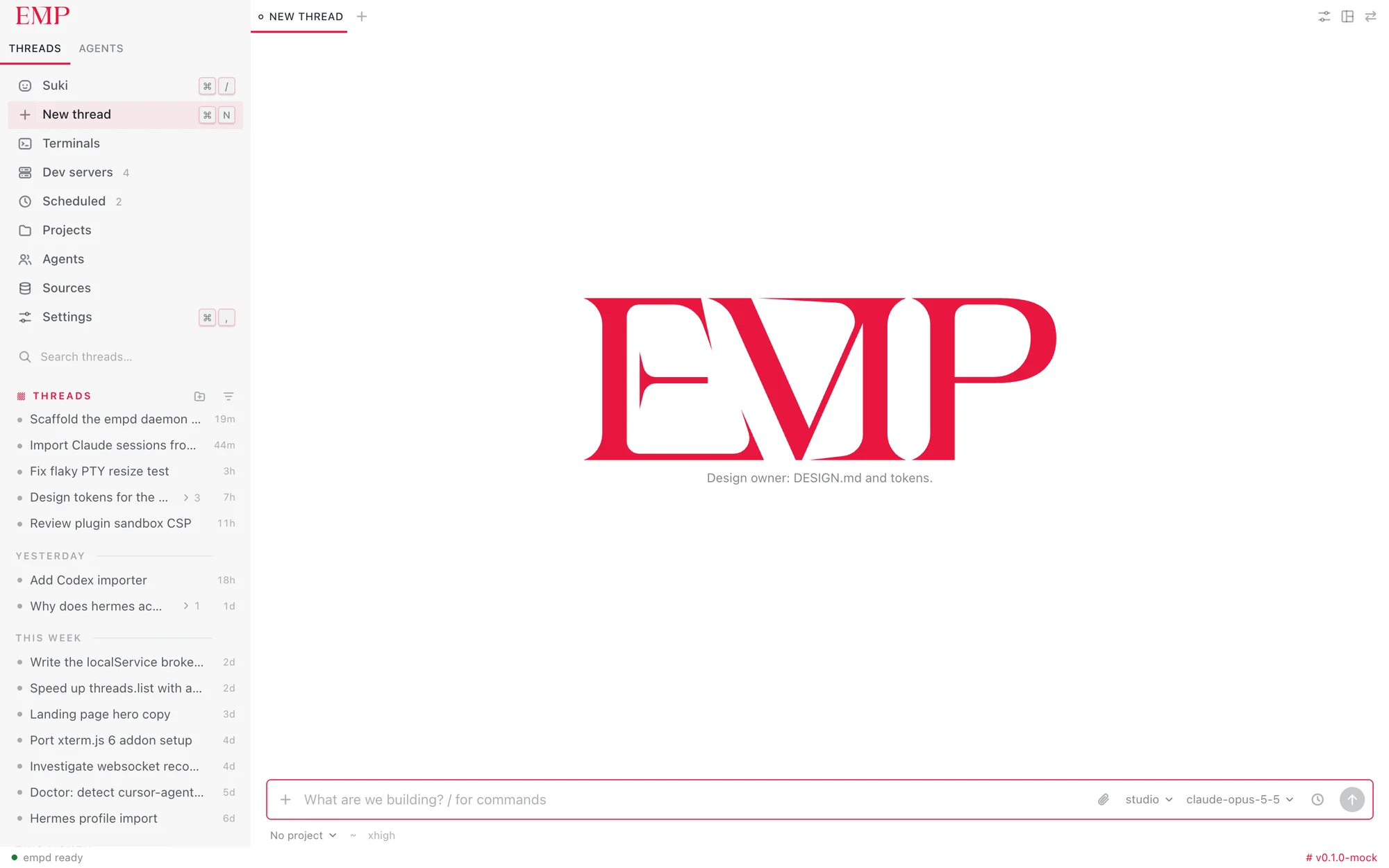
Quiet on purpose.
White, red and out of the way, so the work is what you look at.
03 Family

Made by Orion Terminal.
EMP is a standalone app from the team behind Orion Terminal. It runs on its own today, and it is being built to slot into Orion as a plugin.
Visit orionterminal.app ↗04 Install
Download EMP for Mac.
Apple Silicon · macOS 13 or later · free
- A
Open the .dmg and drag EMP into Applications.
- B
EMP is ad-hoc signed and not notarized yet, so macOS blocks the first launch. Open it once, then go to System Settings › Privacy & Security and click Open Anyway.
- C
EMP finds the agent CLIs you already have (Claude Code, Codex, Hermes, pi, Gemini…). Sign in to them as you normally do; EMP never sees your keys.